How to See Your To-Do List in Google Calendar, Apple Calendar or Outlook
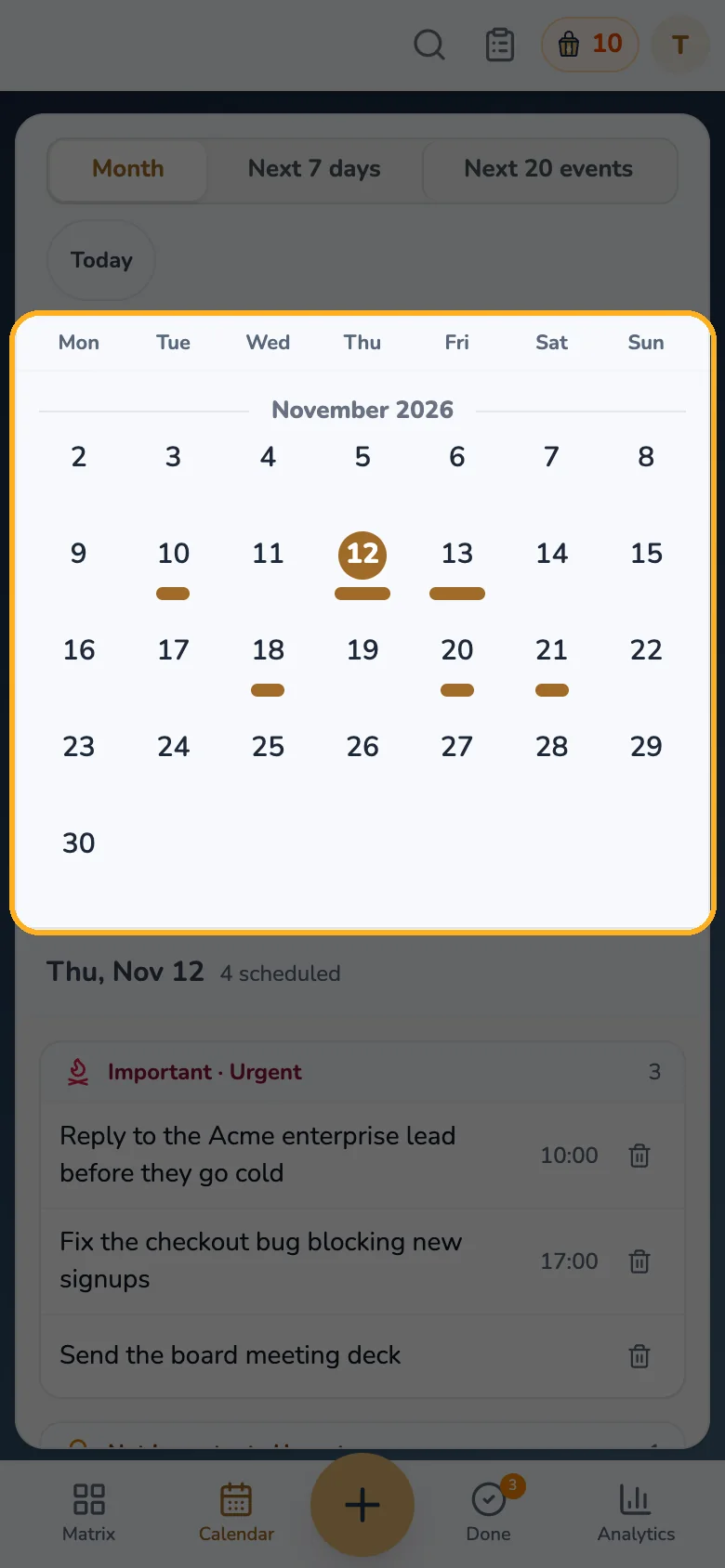
A task you only see in a to-do app is easy to miss when your day is planned in a calendar. A calendar subscription puts your dated tasks and appointments in the calendar you already open, with no copying.
Step 1: Turn on the feed
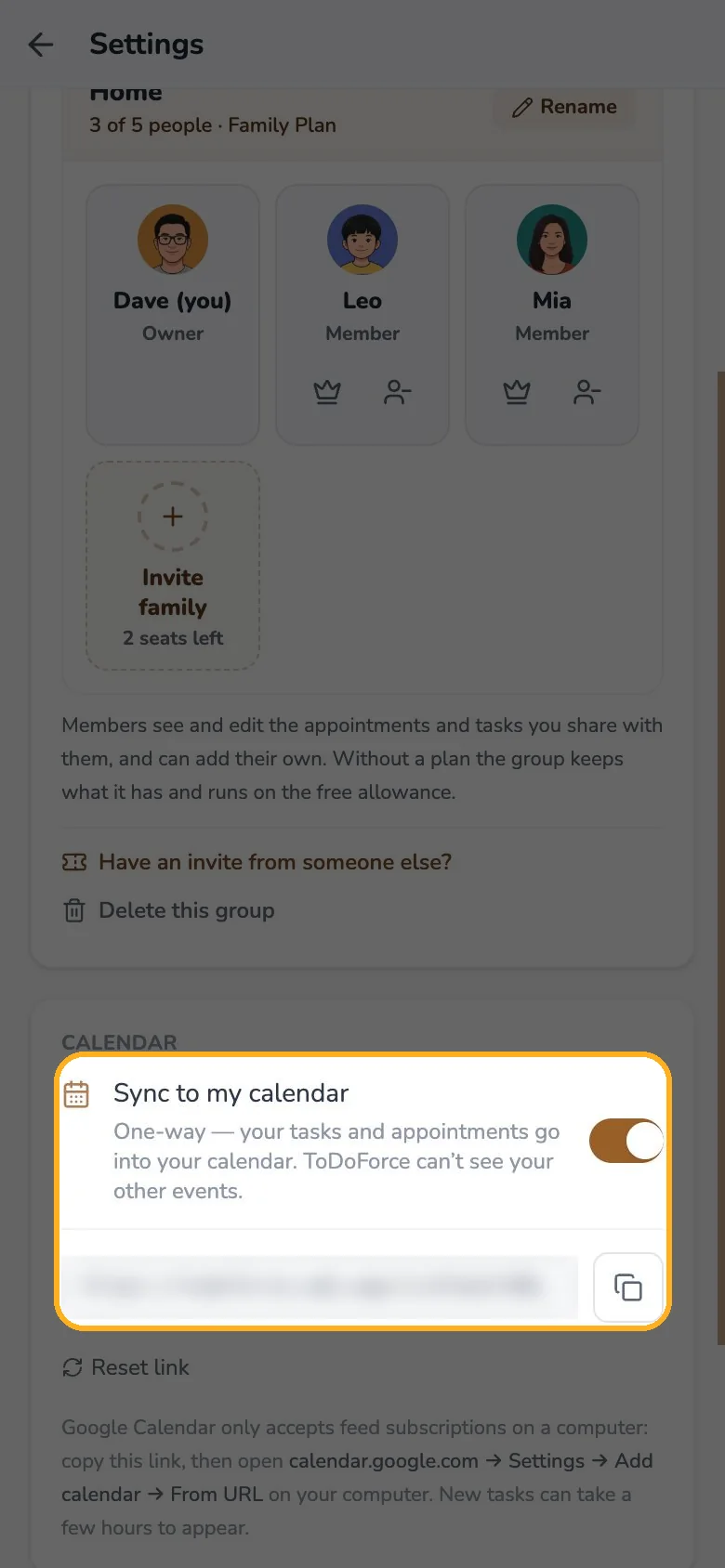
Open Settings → Connections, find Calendar and turn on Sync to my calendar. ToDoForce creates one private feed link.
Step 2: Add the link to your calendar app
| Calendar | Where to add it |
|---|---|
| Google Calendar | On a computer: calendar.google.com → Settings → Add calendar → From URL |
| Apple Calendar | Tap Add to Apple Calendar in ToDoForce on an iPhone or a Mac |
| Outlook | Add calendar → subscribe from the web, then paste the link |
What to expect
- One way only. Tasks and appointments go into your calendar app; your calendar app cannot change them, and ToDoForce cannot see your other events.
- Shared items included. Appointments your family shared with you appear too.
- Not instant in Google. Google checks subscribed calendars on its own schedule, so a new task can take a few hours to appear.
- Keep the link private. Anyone with the link can read the feed. If it leaks, tap Reset link: the old link stops working immediately.